Theming
In v1, a theme is primarily a CSS file.
Default behavior
If no custom theme is provided, mkpages writes the bundled default
stylesheet to assets/site.css.
mkpages currently ships with:
Bundled themes
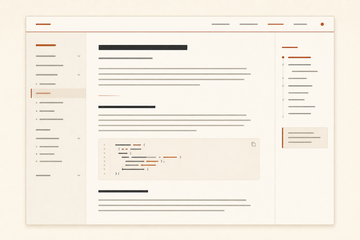
defaultWarm editorial serif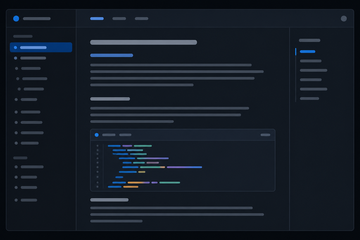
darkPolished dark docs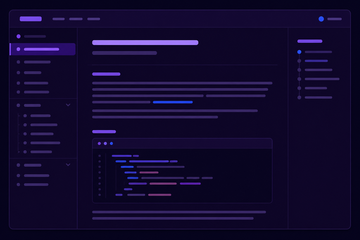
developerDeveloper-blog dark layout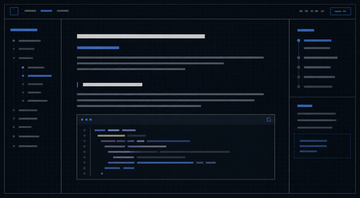
gridlineBlue-black technical notebook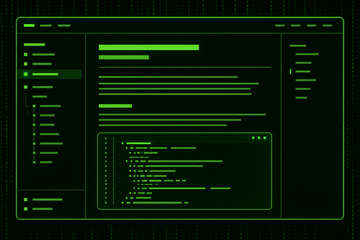
matrixNeon green terminal atmosphere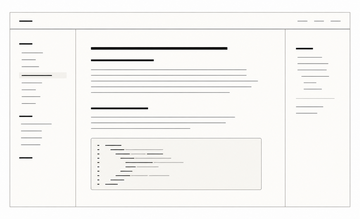
minimalStripped-back monochrome writing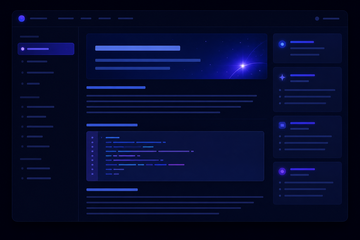
pulsarMoody dark product-blog cards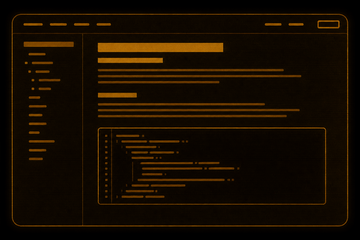
retroAmber terminal paper
Select one with:
mkpages build docs/ --theme dark
mkpages build docs/ --theme minimal
mkpages build docs/ --theme retro
You can also set a bundled theme in mkpages.yml:
theme: dark
This is useful when you want the content root itself to stay just Markdown plus configuration.
Override with theme.css
If the content root contains theme.css, that file wins automatically.
Example tree:
docs/
  index.md
  theme.css
Then:
mkpages build docs/ --output .mkpages
uses docs/theme.css.
Override with --theme
If there is no theme.css at the content root, you can pass either a bundled
theme name or a CSS file path explicitly:
mkpages build docs/ --theme ./themes/my-site.css
See CLI Reference for the full option summary.